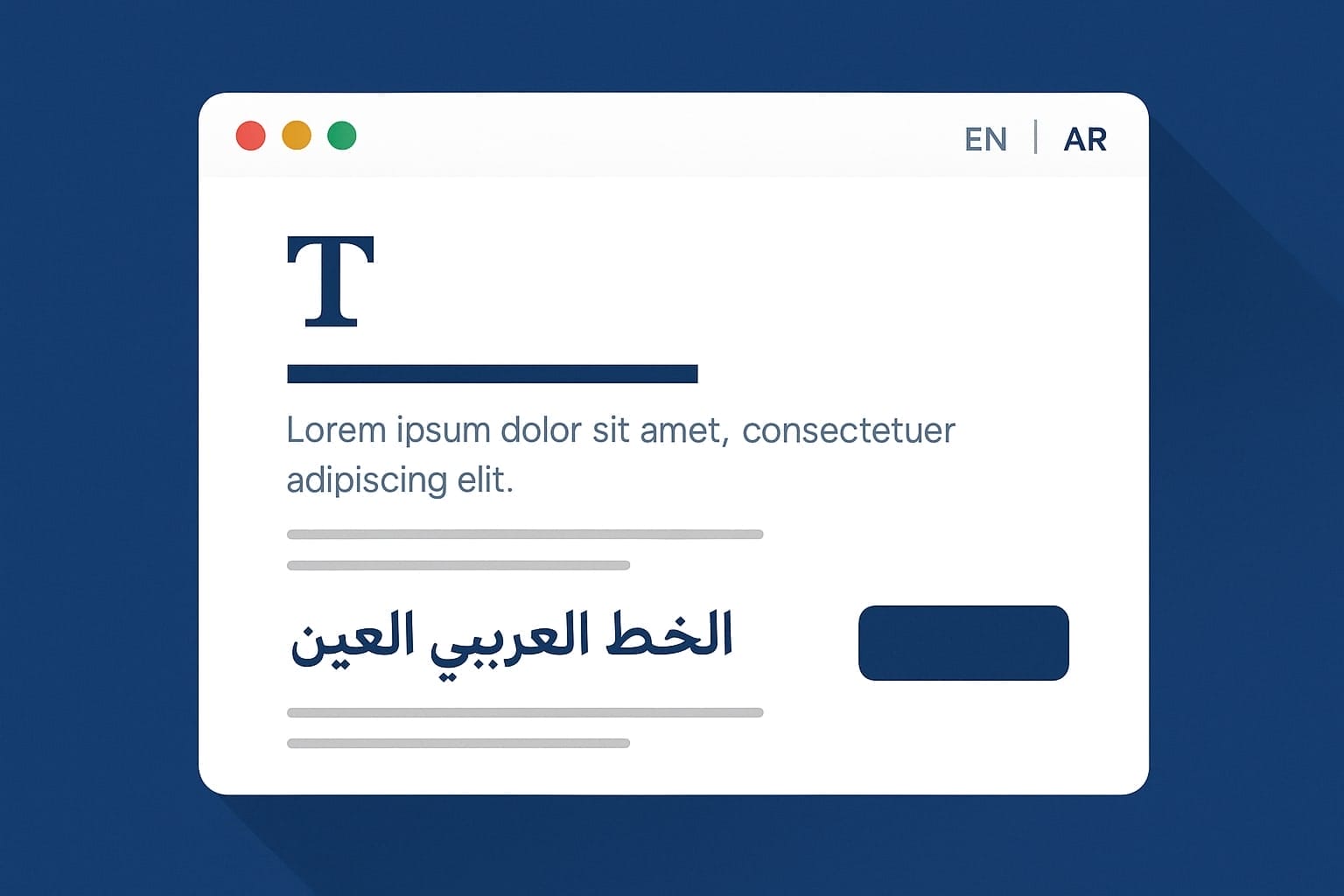
When building multilingual websites, it’s not enough to just translate the content; the typography must also reflect the needs of each language. Arabic, for example, has entirely different legibility needs than English or French. The font you choose can dramatically affect how readable and professional your site feels.
That’s where this smart WordPress snippet comes in. It’s a simple but powerful way to dynamically change fonts depending on the current language, using WPML (or another translation plugin) and a bit of JavaScript magic to fine-tune typography on the fly.

Whether you’re targeting Arabic, English, or a mix of languages, this approach ensures the right font is used for the right script, automatically and intelligently.
What This Code Snippet Does
This WordPress snippet, hooked into wp_head, performs several useful tasks:
1. Detects the Current Language
It uses apply_filters('wpml_current_language', null) to detect the active language if WPML is installed. If not, it falls back to the default site language.
2. Chooses Fonts Based on Language
If the detected language is Arabic ("ar"), it sets the font to “Noto Naskh Arabic”, a serif font optimized for Arabic script. Otherwise, it uses “Montserrat”, a modern sans-serif suited for Latin scripts like English.
3. Injects Dynamic CSS
It outputs a <style> block in the <head> section of the site, applying the chosen font to the most common text elements, including headings, paragraphs, inputs, links, and buttons.
It also applies language-specific font rules using [lang="en"] and [lang="ar"] selectors, so content that mixes languages (like a sentence with both Arabic and English words) renders correctly.
4. Adds JavaScript to Set Language Attributes
The script runs after the page loads and scans elements like <p>, <h1>, <a>, <div>, and others. If those elements don’t already have a lang attribute, the script analyzes the text and adds either lang="en" or lang="ar" based on the dominant character set.
This improves:
- Font rendering accuracy
- Accessibility (for screen readers)
- SEO (as search engines understand language context better)
The Code
add_action('wp_head', function() {
    $lang = function_exists('apply_filters') ? apply_filters('wpml_current_language', null) : get_bloginfo('language');
    $isArabic = (strpos($lang, 'ar') === 0);
    $primaryFont = $isArabic ? '"Noto Naskh Arabic", serif' : '"Montserrat", sans-serif';

    echo '<style>
        body, p, h1, h2, h3, h4, h5, h6, a, li, blockquote, input, textarea, button {
            font-family: ' . $primaryFont . ';
        }

        [lang="en"] {
            font-family: "Montserrat", sans-serif !important;
        }

        [lang="ar"] {
            font-family: "Noto Naskh Arabic", serif !important;
        }
    </style>';

    echo '<script>
    document.addEventListener("DOMContentLoaded", function() {
        const isMostlyEnglish = text => {
            const cleaned = text.replace(/[^A-Za-z]/g, "");
            return cleaned.length > 0 && (cleaned.length / text.replace(/\s/g, "").length) > 0.4;
        };

        const isMostlyArabic = text => {
            const cleaned = text.replace(/[^\u0600-\u06FF]/g, "");
            return cleaned.length > 0 && (cleaned.length / text.replace(/\s/g, "").length) > 0.4;
        };

        const tagsToCheck = "p, span, div, li, a, h1, h2, h3, h4, h5, h6, button, strong, em, td, th, label";
        const elements = document.querySelectorAll(tagsToCheck);

        elements.forEach(el => {
            if (!el.hasAttribute("lang")) {
                const text = el.textContent || "";
                if (isMostlyEnglish(text)) {
                    el.setAttribute("lang", "en");
                } else if (isMostlyArabic(text)) {
                    el.setAttribute("lang", "ar");
                }
            }
        });
    });
    </script>';
});
How to Change the Fonts
Want to use different fonts instead of Montserrat and Noto Naskh Arabic? No problem, the code is designed to be easy to customize.
Here’s what you need to do:
Look for these two lines near the top of the snippet:
$isArabic = (strpos($lang, 'ar') === 0);
$primaryFont = $isArabic ? '"Noto Naskh Arabic", serif' : '"Montserrat", sans-serif';
This is where the script decides which font to use based on the current language.
To change the fonts:
- Replace
"Montserrat", sans-serifwith the font you want to use for English or Latin-based languages. - Replace
"Noto Naskh Arabic", serifwith the font you want to use for Arabic or RTL languages.
For example, if you wanted to use Roboto for English and Amiri for Arabic, you would update the code like this:
$primaryFont = $isArabic ? '"Amiri", serif' : '"Roboto", sans-serif';And update the language-specific styles:
[lang="en"] {
    font-family: "Roboto", sans-serif !important;
}

[lang="ar"] {
    font-family: "Amiri", serif !important;
}
Quick Tip:
Make sure the fonts you choose are:
- Properly loaded into your theme (e.g., via self-hosting with Yabe Webfont or using
@font-face) - Compatible with the characters your content uses
- Readable and well-suited for their respective scripts
Bonus: Self-Hosting Web Fonts
While using smart typography switching is a great enhancement for multilingual sites, there’s another step we take to make it even better: self-hosting our web fonts.
Instead of loading fonts from Google Fonts, we use Yabe Webfont to generate and host our own font files. It’s fast, easy, and comes with major benefits for performance, privacy, and control.
Why We Self-Host Google Fonts
Here’s why we stopped relying on external font CDNs like Google Fonts:
Performance
Self-hosted fonts are served from your own domain. That means:
- Fewer external requests
- Better caching control
- Reduced DNS lookup and connection time
This improves Core Web Vitals, especially on slow connections or mobile.
Privacy & GDPR Compliance
Many countries now consider Google Fonts to be a potential privacy risk due to IP tracking. Self-hosting removes this concern entirely; no data is sent to Google when fonts load.
Font Control
You get full control over:
- Which font weights and styles do you include
- Which characters are a subset
- How the fonts are loaded and displayed
This prevents bloat from unused styles and makes your site lighter and faster.
What is Yabe Webfont?
Yabe Webfont is an open-source web tool that lets you:
- Choose fonts from Google Fonts
- Customize weights and character sets
- Download ready-to-use WOFF2 files
- Get a
@font-faceCSS snippet to include in your theme
It’s built for developers who want the benefits of Google Fonts without the drawbacks.
Works Perfectly with Language-Based Font Switching
Once self-hosted, these fonts integrate seamlessly with the multilingual typography logic we discussed earlier. Your Arabic content loads Noto Naskh Arabic from your server, and your English content loads Montserrat, also from your server, for fast and privacy-respecting.
Ready to Elevate Your Multilingual WordPress Site?
If you’re building for a global audience, smart typography, fast performance, and seamless language support aren’t optional. They’re essential.
At Nahnu Media, we specialize in crafting high-performance, multilingual WordPress sites that look beautiful and load fast in any language. From smart font strategies and RTL-friendly design to custom CDN setups and optimization, we handle it all.
Whether you’re launching a new project or need to upgrade your current site, we’ll help you create a web experience that’s readable, accessible, and blazing fast across every language and screen size.
👉 Curious how much better your site could be?
We offer a free performance and UX audit tailored to multilingual sites.
Let’s build something powerful. Contact Nahnu Media today.